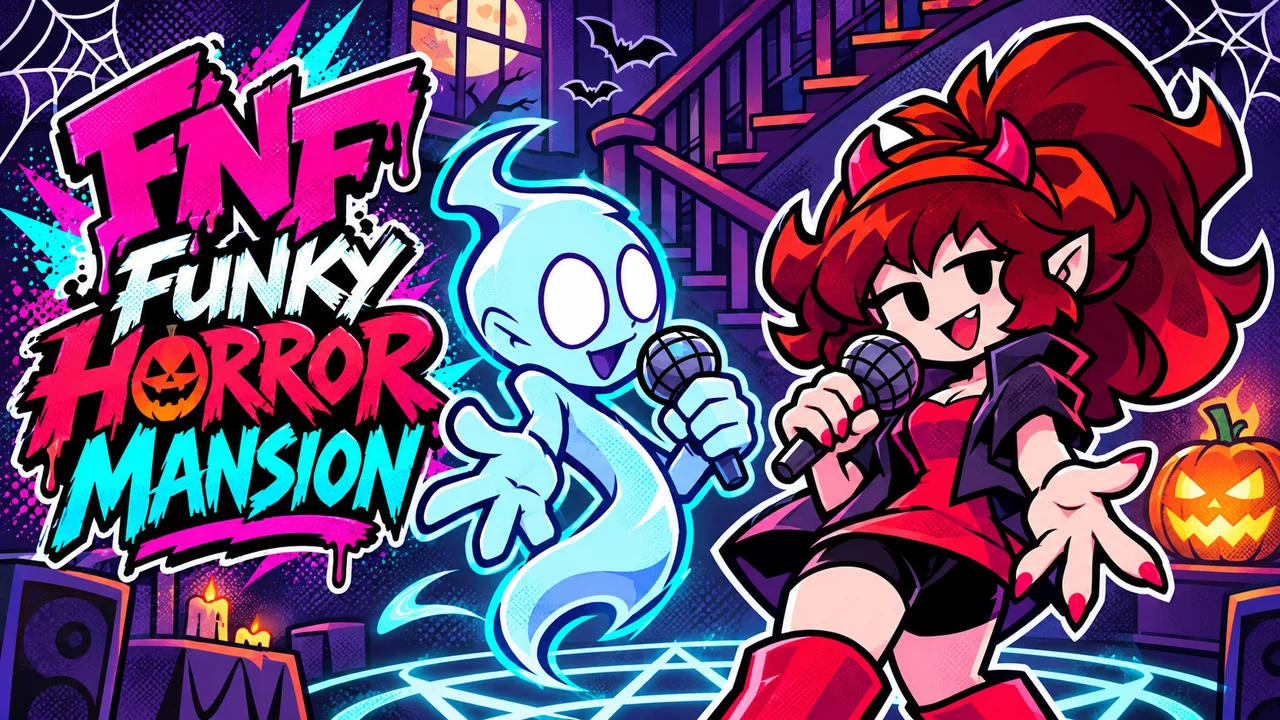



FNF Funky Horror Mansion
Where can I play Funky Horror Mansion online?
Click Play Now above and let the game files load. Press Enter at the title screen, choose Freeplay, then select a song on Spooky. You can also choose Story Mode and confirm Halloween for the full four-song set. This Web version includes the mod, so you can play in a desktop browser without installing a mod folder.
If the embedded player stays blank, you can open FNF Funky Horror Mansion directly in a new tab (opens in a new tab). The link opens the game; this page provides the controls and guide.
About FNF Funky Horror Mansion
FNF Funky Horror Mansion is a Halloween-themed Friday Night Funkin mod directed by PIKOO and built with Codename Engine. Each of its four songs gives you a different performer: Halloween Girlfriend, vampire-hunter Pico, the Spooky Kids or Tankman. Their opponents take you from a ghost party to a vampire's mansion, a laboratory and Gillman's cave. Follow your character's note lane, hold the long notes and learn which lightning notes to leave alone.
Funky Horror Mansion gameplay video
Funky Horror Mansion - Friday Night Funkin'
Watch thatoneningen's gameplay video for a look at the mod's Halloween performances.
Our Funky Horror Mansion Web adaptation
The FNF Mod Online team created this fan-made Web adaptation based on the official Funky Horror Mansion mod. We optimized loading speed and the browser play experience to help you get into the music sooner. The original characters, songs, artwork and mod remain credited to their creators.
The mod is included in this browser build. Wait for its own loader and title screen before starting; your first visit still depends on your connection, device and browser cache. Use a desktop keyboard for the controls described below.
Why FNF Funky Horror Mansion Feels Different From Other FNF Games
The four battles change more than the scenery. Keep these differences in mind as you move between songs:
- You play as Halloween Girlfriend, Pico, the Spooky Kids and Tankman across the set, with a different monster facing each performer.
- Story Mode's Halloween selection plays all four songs; Freeplay lets you return to an individual battle.
- Every included chart uses the Spooky difficulty. There is no separate Easy, Normal or Hard chart to select.
- Bloodsucker puts Pico's player lane on the left. Check which side belongs to you instead of assuming the right-hand arrows are always yours.
- It's Alive includes lightning notes that damage your health when hit. Let those hazards pass while continuing to play the ordinary notes.
Songs in FNF Funky Horror Mansion
Ghostly Gig
Halloween Girlfriend sings against Jeremy the Ghost at 170 BPM in Jeremy's Mansion. A glowing pumpkin, staircase and ghostly party guests frame the opening battle. Follow Girlfriend's lane on the right and use the first exchanges to settle into the timing.


Bloodsucker
Pico wears his Van Helsing outfit to face Count Alarik in a mansion at 125 BPM. Your notes are on the left in this chart, with the vampire on the opposite side. Locate Pico's targets before the first phrase so the change of sides does not catch you out.


It's Alive
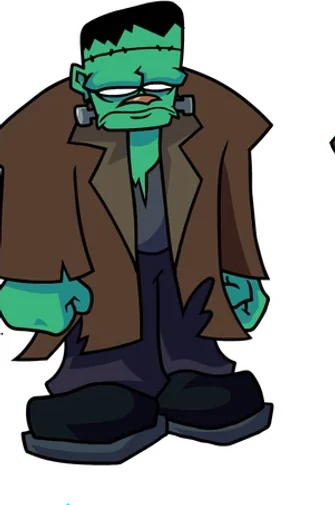
The Spooky Kids take on Monstro in Frankenstein's laboratory at 110 BPM, with the doctor also on stage. The lower tempo leaves room for deliberate inputs, but the lightning-note hazards punish indiscriminate pressing. Hit regular notes, hold their tails and avoid the lightning notes.


From The Depths
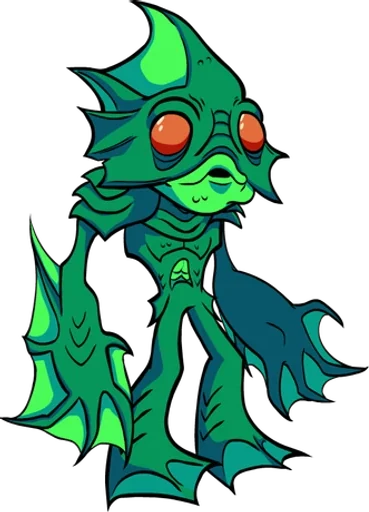
Tankman faces Gillman in the cave stage at 130 BPM. Keep your inputs measured through the sustained notes and watch your lane as the camera follows the performers. Freeplay lets you rehearse this closing encounter without replaying the earlier songs.

How To Play FNF Funky Horror Mansion?
For a single song, use title screen → Freeplay → song → Spooky. For the full set, choose Story Mode → Halloween and press Enter. Both routes use the same four directional note inputs.
1. Open Freeplay from the main menu
Click Play Now and wait for the Funky Horror Mansion title screen. Press Enter, use Up or Down to highlight Freeplay, then press Enter again. Choose Story Mode instead when you want to play the complete Halloween set.
2. Pick a song on Spooky
Use Up or Down to browse Ghostly Gig, Bloodsucker, It's Alive and From The Depths. The upper-right corner displays Spooky, the included difficulty for all four songs. Press Enter to load your selection.
3. Follow your performer's targets
In Ghostly Gig, you control Halloween Girlfriend on the right while Jeremy sings on the left. Press the matching directions as your notes meet the targets. In Bloodsucker, Pico's player lane moves to the left, so check your side whenever you start a different song.
- Click inside the player so the game receives keyboard input. Use the arrow keys or WASD for Left, Down, Up and Right; check Options if you have changed your bindings.
- Press when each ordinary note reaches its matching target. Keep the key held through a sustained note's tail instead of repeatedly tapping it.
- Leave the lightning notes in It's Alive untouched. Hitting these special notes costs health; letting them pass is the intended response.
- Press Enter to pause. Choose Resume to continue, Restart Song for another attempt, Change Controls to review bindings, or Exit to Menu to return to song selection.
- To watch the chart, press B during a song to toggle botplay. It plays your notes automatically and prevents a health-based defeat. Press B again to return to manual inputs; watching a chart is different from clearing it yourself.
Who Will Enjoy FNF Funky Horror Mansion?
- Players who like Halloween costumes, haunted rooms and cartoon monster opponents.
- Pico, Girlfriend, Spooky Kids and Tankman fans who want each character to take the player role.
- Rhythm players who enjoy learning a chart's lane changes and note hazards.
- Fans of FNF vs FNAF 2 who want another horror-themed set with a different cast.
- If you prefer short practice sessions, Freeplay lets you focus on one of the four songs.
Can You Keep Time Through All Four Halloween Battles?
A new room brings a new opponent, but the most costly surprises are in the chart. Bloodsucker changes the player side, and It's Alive mixes hazards into the usual directional notes.
Learn one encounter at a time in Freeplay. Identify your targets before playing, hold sustained notes cleanly and resist hitting the lightning notes. Use botplay to observe a difficult phrase, then switch it off to try the timing yourself.
When you are ready to link the encounters together, choose Story Mode and start Halloween. Take Girlfriend, Pico, the Spooky Kids and Tankman through the mansion's four performances.
Original Funky Horror Mansion mod and credits
PIKOO directs this Halloween music crossover. These credits follow the official GameBanana release.
| Mod | Funky Horror Mansion |
|---|---|
| Original version | 1.0.0 |
| Engine | Codename Engine |
| Songs | Ghostly Gig Bloodsucker It's Alive From The Depths |
| Difficulty | Spooky |
| Original release | Visit the official GameBanana mod page (opens in a new tab) |
| Creator | Contribution |
|---|---|
| PIKOO (opens in a new tab) | Director, artist, animator |
| Cryptidarts (opens in a new tab) | Artist, animator |
| TheElectLeandro (opens in a new tab) | Artist |
| CheeseDelivery (opens in a new tab) | Artist |
| Qthe2DFish (opens in a new tab) | Composer, coder, charter |
| IsaacTheGreat (opens in a new tab) | Composer |
| Fandom Toon (opens in a new tab) | Composer, artist |
| Darkdemondev1 (opens in a new tab) | Charter, semi-coder |
| Monty1922VA (opens in a new tab) | Voice actor |
| MallieX3 (opens in a new tab) | Special thanks |
FNF Mod Online provides the fan-made Web adaptation and loading optimizations. The cover illustrations were created for this site; the guide images show the actual browser build.
FNF Funky Horror Mansion FAQ
Can I play Funky Horror Mansion for free without downloading a mod?
Yes. Click Play Now on this page to load our free Web adaptation, or open the direct game link below. The browser downloads its required game assets, but you do not need to install a desktop mod archive. A keyboard is recommended.
How do I start the complete Halloween week?
Press Enter at the title screen, choose Story Mode and confirm Halloween. The set plays Ghostly Gig, Bloodsucker, It's Alive and From The Depths in that order on Spooky. Choose Freeplay to play a single song instead.
Why can I only select Spooky difficulty?
Spooky is the only difficulty supplied for the four charts in this build. It is the chart's name, rather than a difficulty you need to unlock or an indication that Easy and Normal are hidden.
Which side do I play in Bloodsucker?
You play vampire-hunter Pico on the left against Count Alarik. The other three songs place the player lane on the right. Follow your performer's targets rather than carrying over the side you used in the previous battle.
Should I hit the lightning notes in It's Alive?
No. These special notes reduce your health when hit. Let them pass and keep playing the regular notes; repeatedly pressing every direction can turn the lightning passages into a quick defeat.
What does the B key do?
During a song, B toggles botplay. With it enabled, the game plays your notes automatically and disables health-based defeat. Press B again to resume manual play. Use it to observe the rhythm and animations before trying the chart yourself.
Where can I download the original Funky Horror Mansion mod?
Visit PIKOO's official GameBanana release page for the original files, installation requirements and creator updates. This page hosts FNF Mod Online's fan-made Web adaptation, with its own browser loading optimizations.
What if the player stays blank or does not respond to my keys?
Allow the initial game assets to load. If the player remains blank, use Reload or the direct game link above. When the menu is visible, click inside the game before pressing Enter or the direction keys.
More FNF Games
- Friday Night Funkin vs FNAF 2 — Play Friday Night Funkin vs FNAF 2 online free. Take on animatronic story weeks, read the changing note patterns and restart a song to practise your timing.
- Friday Night Funkin vs FNAF 1 — Play Friday Night Funkin vs FNAF 1 online free. Battle the pizzeria animatronics with arrow-key timing and try the extra tracks offered in Freeplay mode.
- FNF Pibby Apocalypse — Play FNF Pibby Apocalypse online free. Face corrupted cartoon characters in a rhythm battle with our web adaptation, optimized for loading and browser play.
- Friday Night Funkin — Play Friday Night Funkin online free. Match the arrow notes, face Boyfriend's opponents and learn the rhythm controls in the original FNF browser game.